more than just an online menu
UNIQUE FEATURES
Menuviel is an all-in-one online QR menu platform that helps restaurants manage, customize, and grow their digital menus effortlessly. From multilingual support and allergen badges to real-time updates and promotional tools, Menuviel simplifies menu management, strengthens brand identity, and enhances every guest’s dining experience — all from a single, intuitive dashboard.
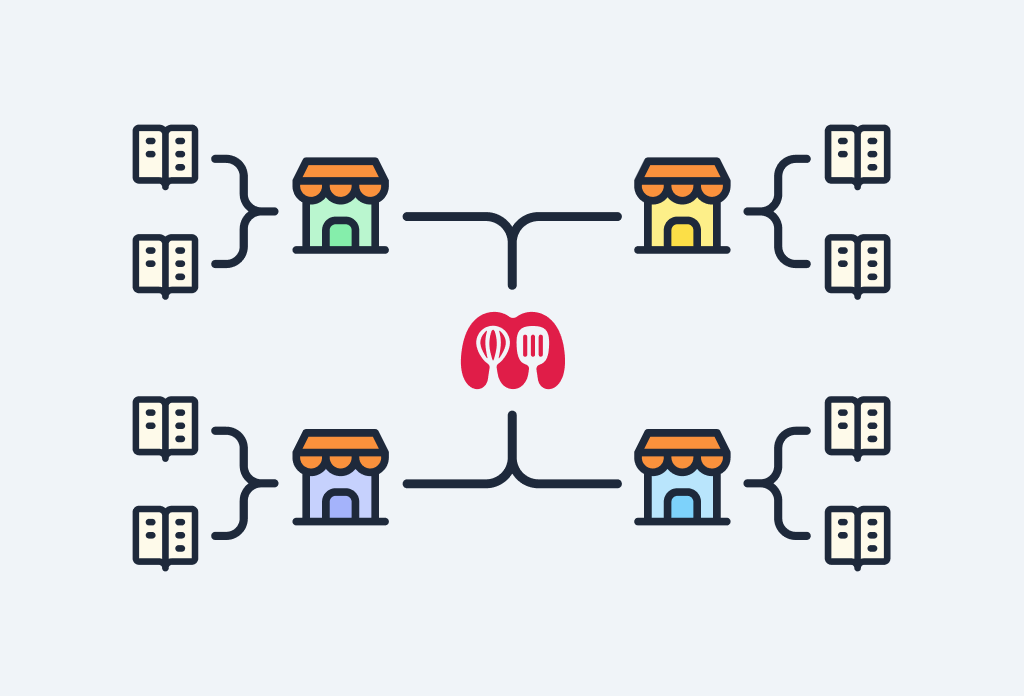
Single-Point Branch Management
Manage multiple locations from one dashboard. Switch between branches instantly, keep menus organized per location, and maintain consistency across all places without extra effort.

Multiple Menus
Create as many menus as you need for each location — from breakfast and lunch to dinner, drinks, desserts, or wine lists. Easily manage different menus for different times of day, occasions, or concepts, all from a single dashboard.
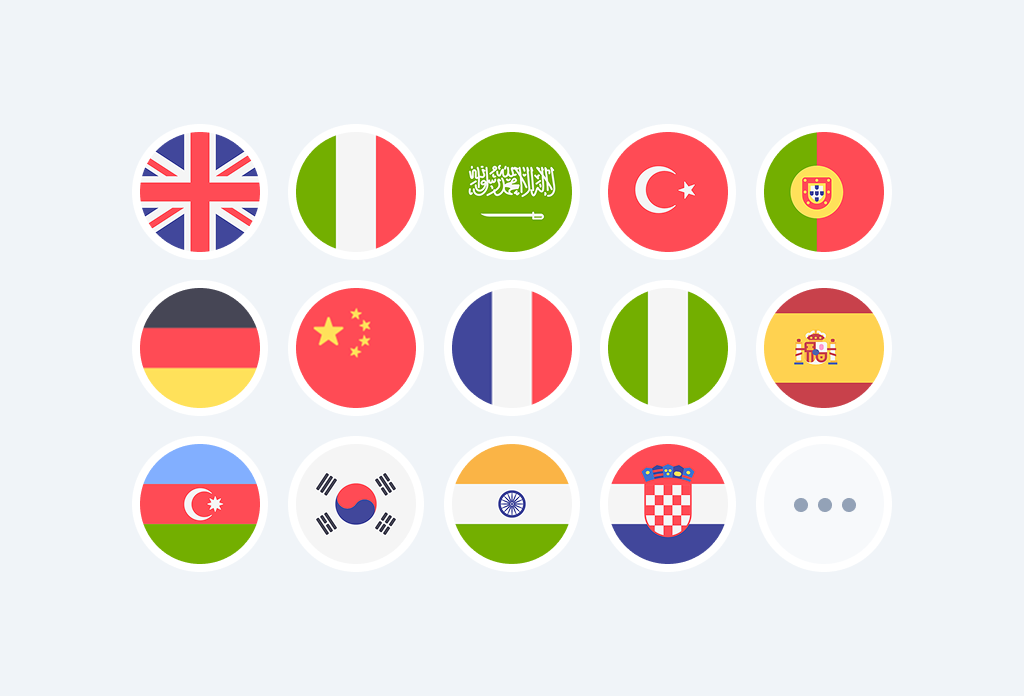
Multiple Languages
Make it easy for your foreign customers by offering your menu in additional languages. You can add as many as you want between 75 languages including semitic ones such as Arabic.
Food Delivery App Links
Make it easier for customers to order their favourites by adding direct links to your restaurant’s profiles on apps like Uber Eats, Deliveroo, DoorDash, Talabat, and more. Show the links inside your digital menu so customers can jump straight to your delivery platforms with one tap. No searching, no friction.
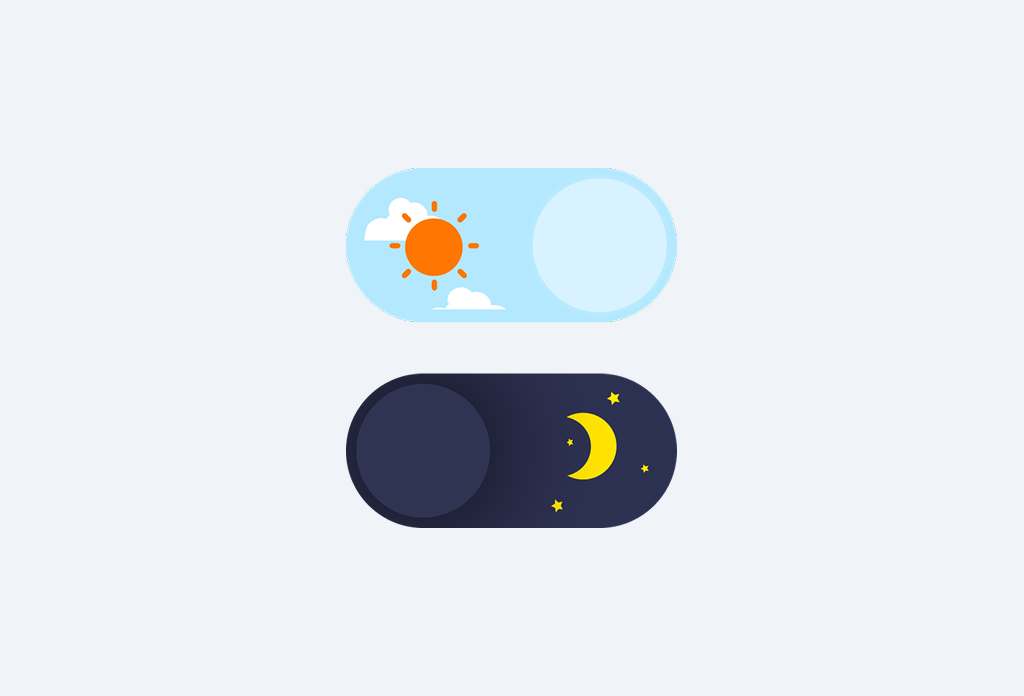
Theme Selection
Choose the look that fits your restaurant’s style with easy light and dark theme options. Switch between them anytime to match your branding, create the right mood, or improve visibility in different lighting conditions.
Remove Menuviel Logo
Hide the Menuviel logo from your digital menu with one click. Keep the focus fully on your brand and present a clean, uninterrupted menu experience.
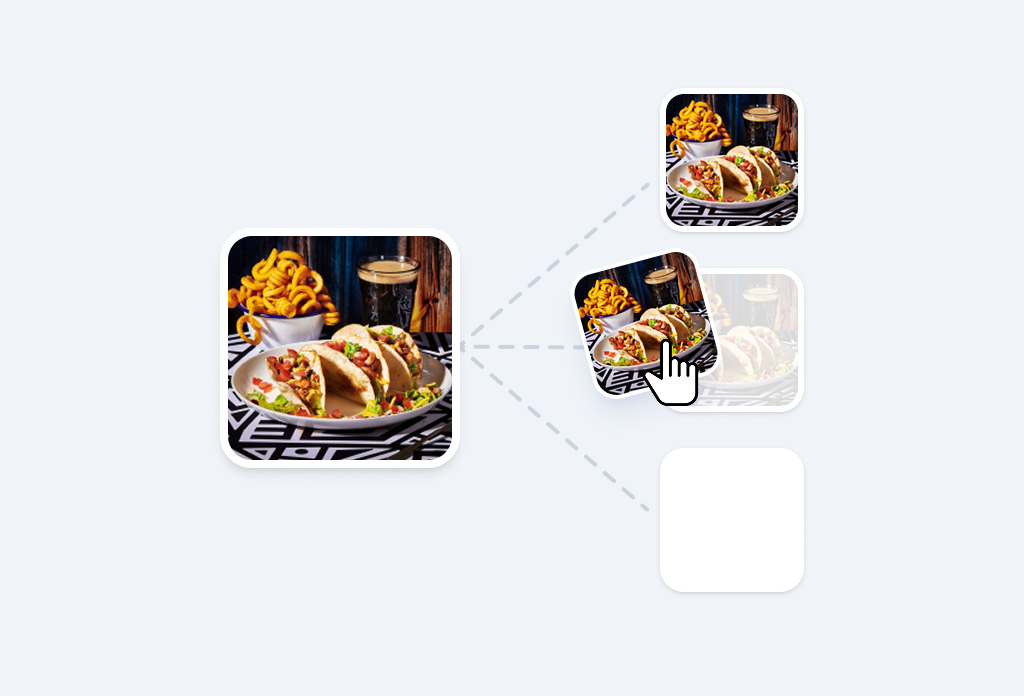
Single-Point Item Management
Create each menu item once and reuse it across menus and locations. Keep names, descriptions, images, and attributes consistent everywhere without duplicating work.
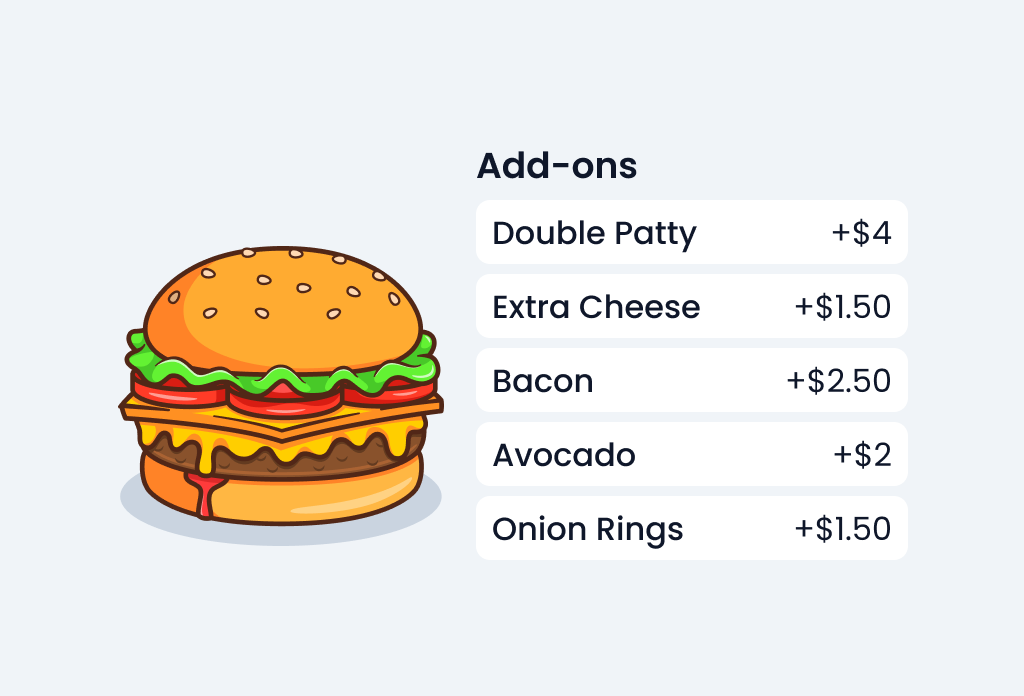
Menu Item Options & Variations
Give customers the flexibility they expect by offering customizable choices for each dish. Add sizes, toppings, add-ons, cooking preferences, portion upgrades, or any variation your menu requires. Menuviel makes it simple to structure complex items without creating duplicates.
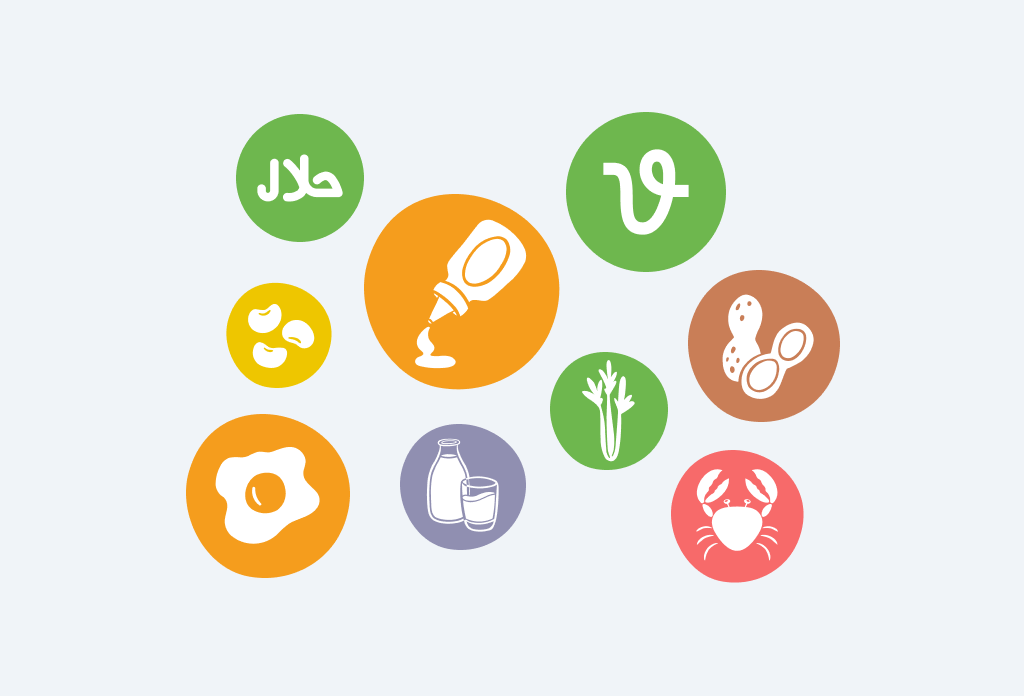
Dietary & Allergen Badges
Help customers make confident choices by displaying clear dietary labels and allergen warnings on each menu item. Menuviel includes a full set of ready-made badges — from vegan and organic to gluten-free and all major allergens — so you can assign them instantly and keep your menu transparent, safe, and easy to understand.
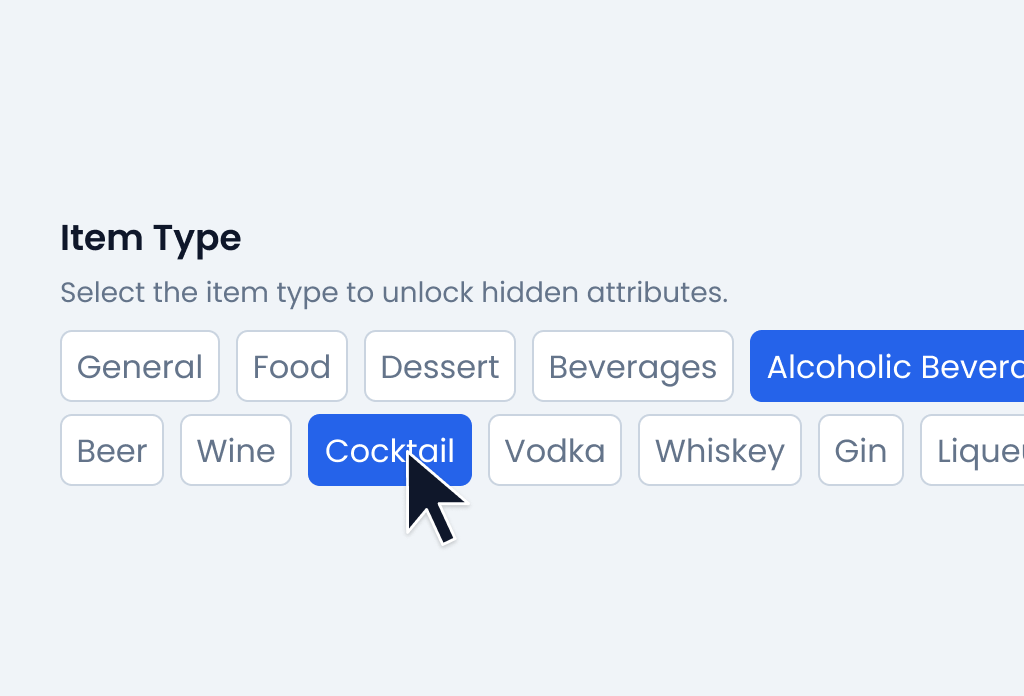
Item Specific Attributes
Automatically unlock relevant attributes based on the item type you choose. From grape variety for wines to sweetness levels for desserts, each item gets the right details—making your menu clearer, more informative, and enjoyable for customers to explore.

Highlight Labels
Help key items stand out with ready-made labels like New, Best Seller, Chef’s Choice, Seasonal, and House-Made. Labels guide attention naturally and make menus easier to scan without adding clutter.

Fast Availability Management
Quickly control what customers see with one-click availability toggles. Instantly mark items, categories, or entire menus as available or unavailable — perfect for sold-out dishes, daily specials, or temporary changes. Keep your menu accurate at all times without extra effort.
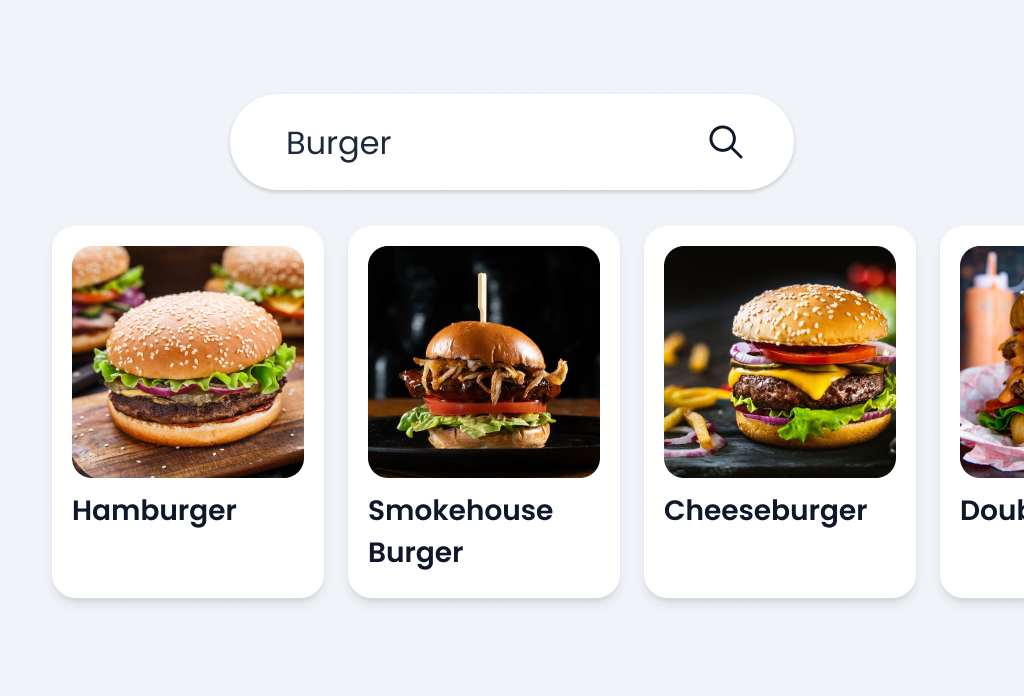
Ready-to-Use Item Library
Build your menu faster using a growing global catalog of food and drink items. Choose from branded beverages and common dishes, use them as-is or customize them, and save time on writing and structuring menu content.
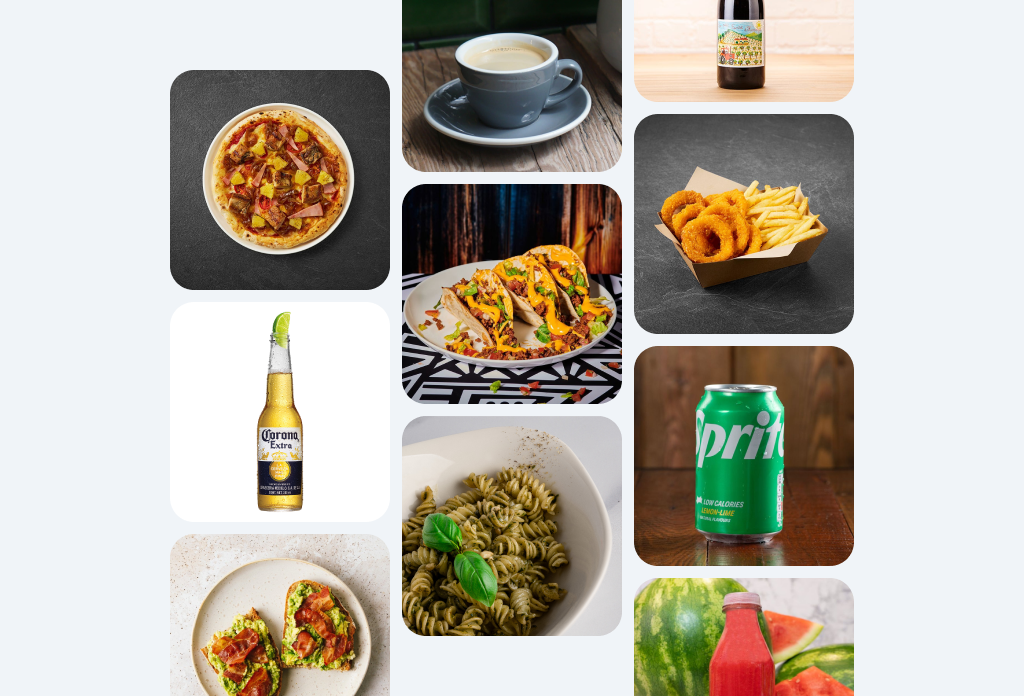
Ready-to-Use Image Gallery
Access a curated image gallery of high-quality food and beverage photos, ready to use on your menu. Browse or search by category and instantly assign images to your items—no uploads, editing, or photography required. A fast and easy way to keep your menu visually appealing at all times.
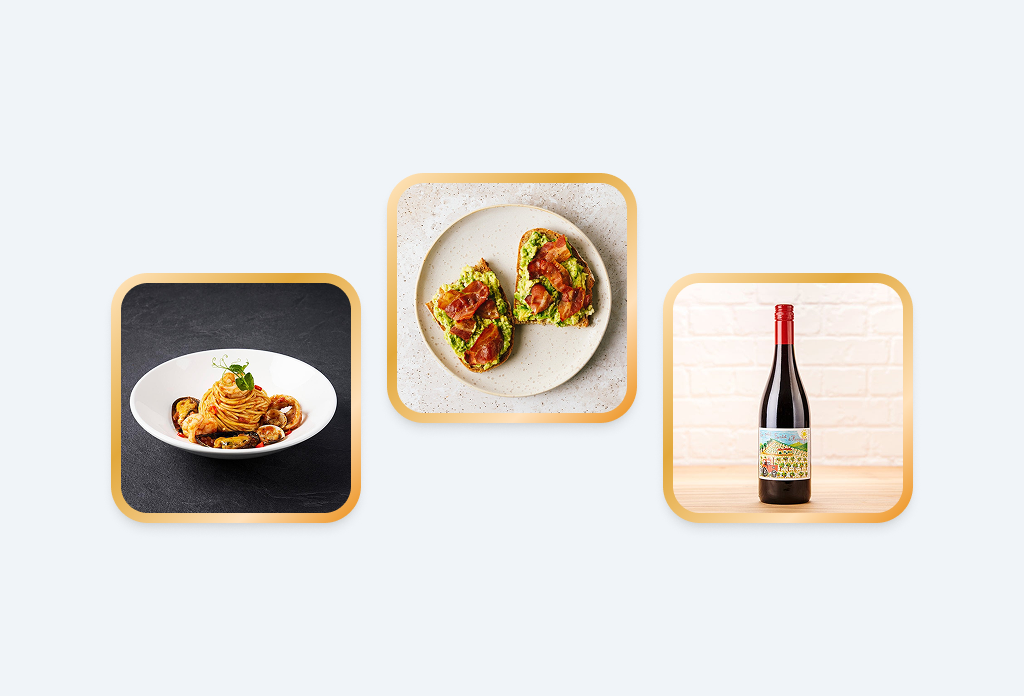
Featured Items
Highlight your best or most popular dishes by featuring them at the top of your menu. Guide attention to key items and increase visibility for the dishes you want to promote.
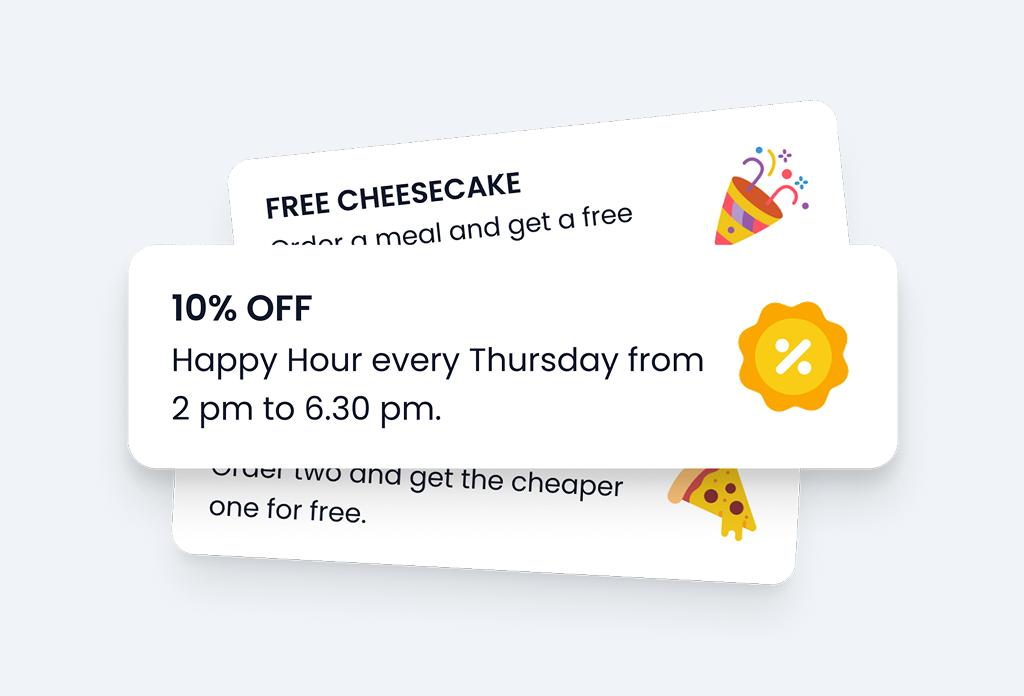
Promo Banners
Promote events, campaigns, or special offers directly on your menu with customizable promo banners. Quickly highlight what matters most and keep your guests informed with clear, attention-grabbing messages.
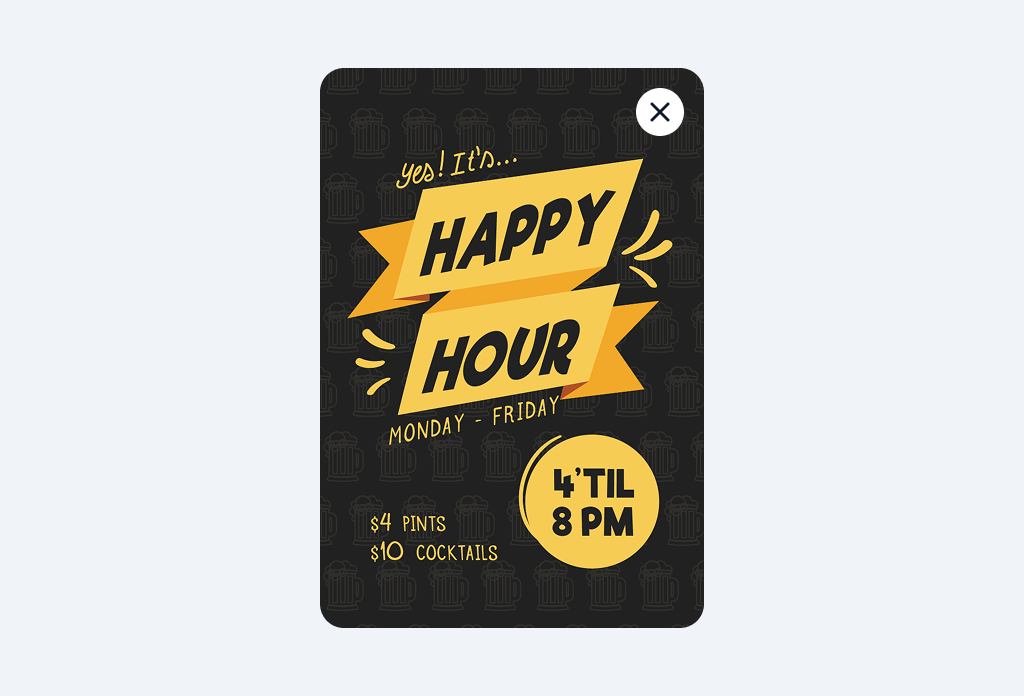
Pop-up Banners
Grab attention with full-screen pop-up banners using text, images, or both. Ideal for announcements, promotions, or important messages that deserve immediate visibility.
Google Reviews Integration
Turn happy guests into positive reviews by making Google feedback just one tap away. With direct access to your Google Business profile, customers can easily rate and review their experience, helping you build credibility, visibility, and trust online.
Instagram Campaigns
Run Instagram giveaway campaigns directly from your menu. Let guests join by entering their Instagram username, automatically select winners at the end, and bring them back with prizes that turn engagement into repeat visits.
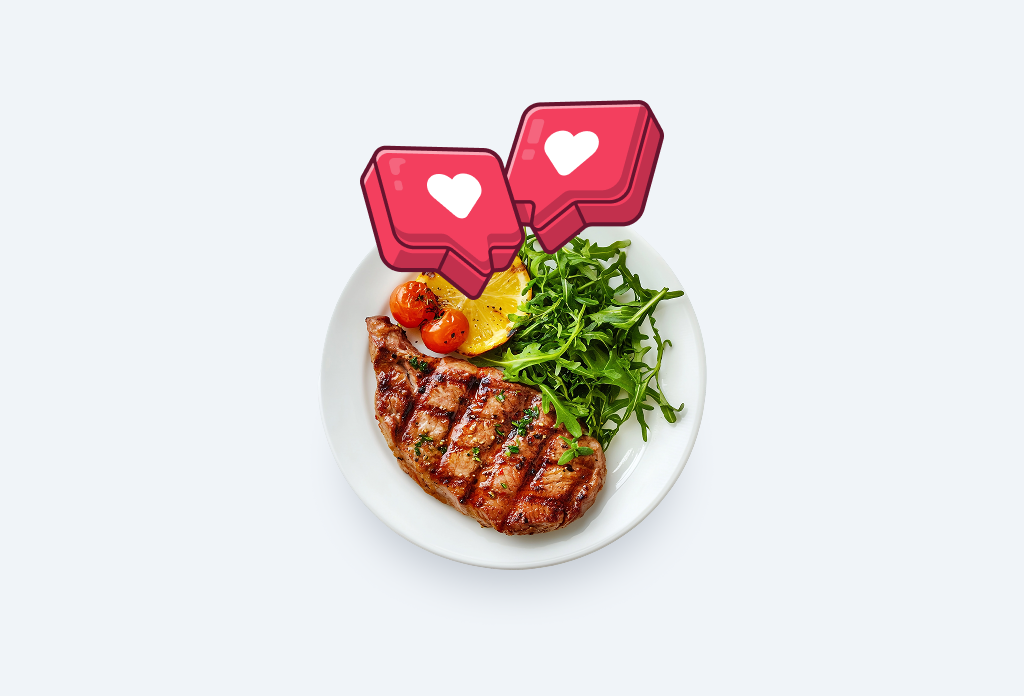
Like Buttons
Let guests like their favorite menu items with a simple tap. Popular dishes stand out with visible like counts, helping others discover what’s most loved.
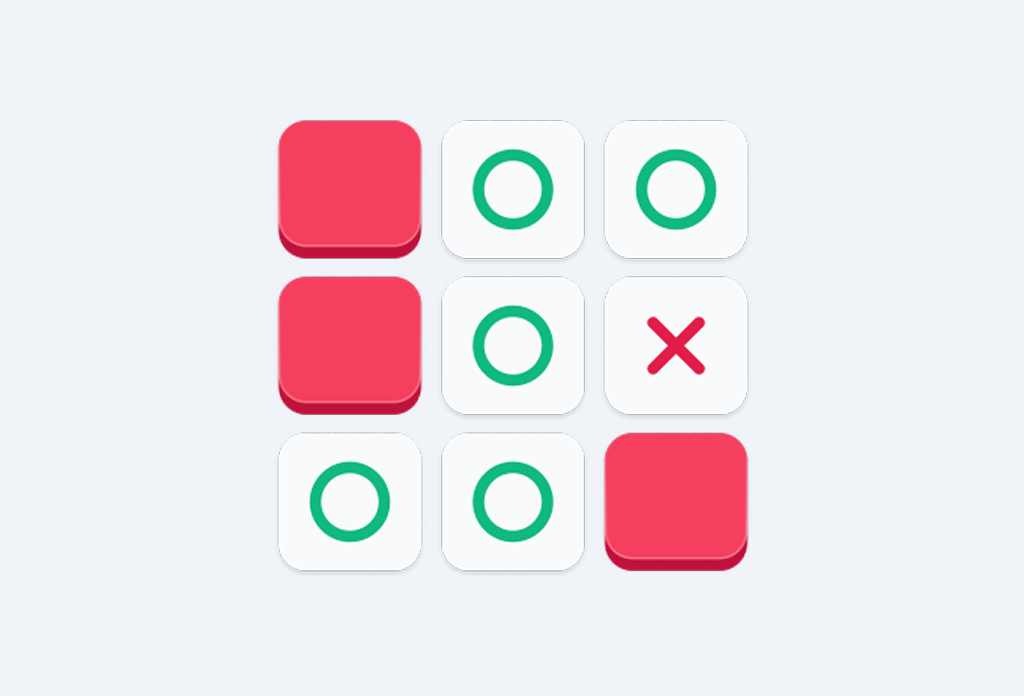
Mini Game
Add a playful twist to the table with the Who Pays mini game. Guests tap squares to avoid the hidden X, and the one who finds it pays the bill—simple, fun, and memorable.
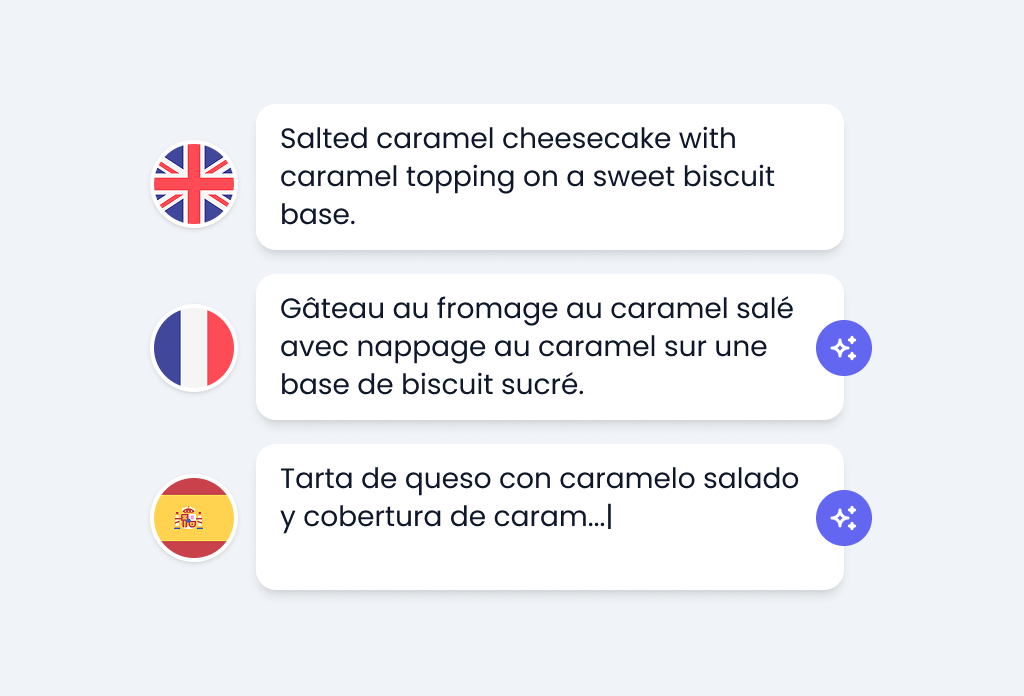
AI Auto Translations
Translate your menu into multiple languages instantly with AI. Automatically convert item names, descriptions, and categories into your selected languages—saving time, reducing errors, and keeping every version of your menu consistent.
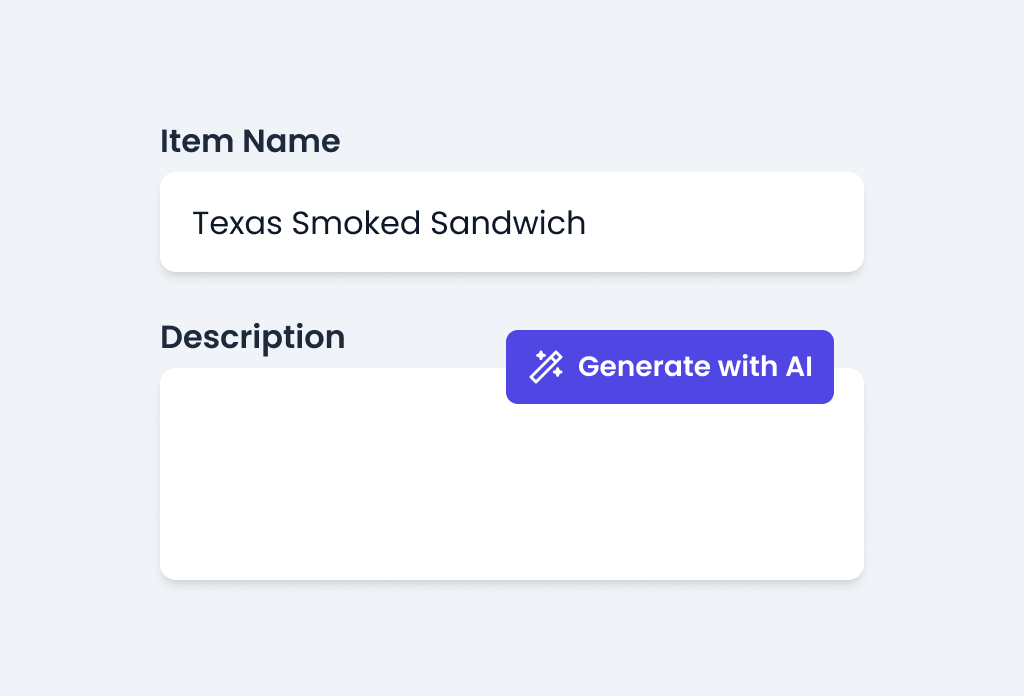
AI Description Generator
Instantly generate appetizing menu item descriptions with AI. Simply enter the item name and let AI create clear, engaging text that makes your dishes more appealing—saving time while keeping your menu professional.